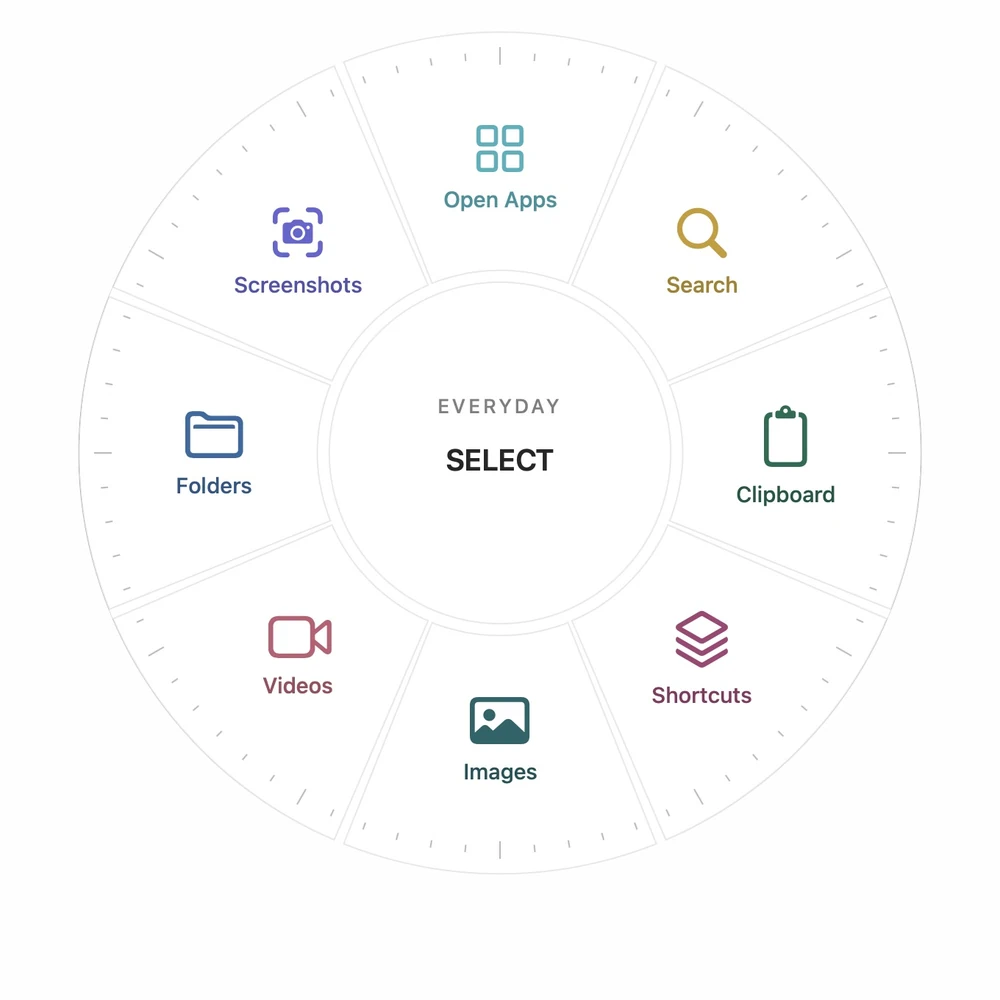
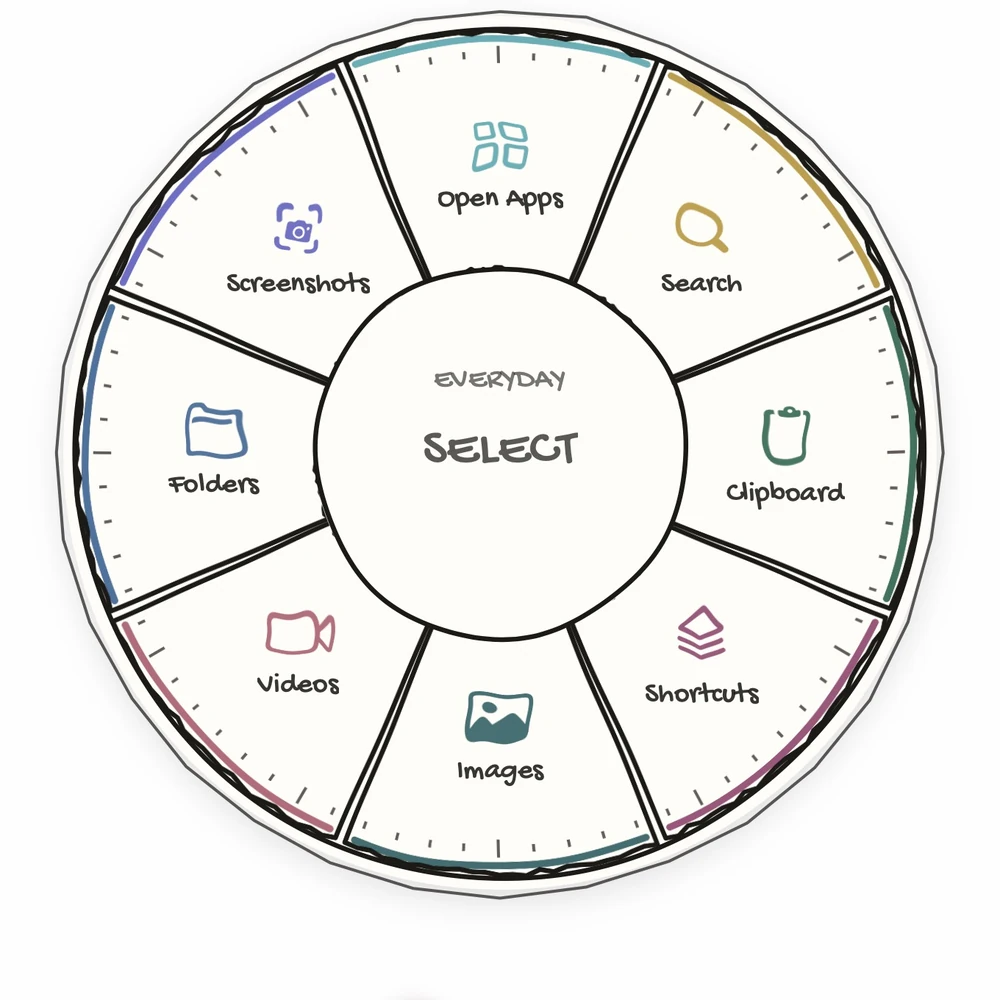
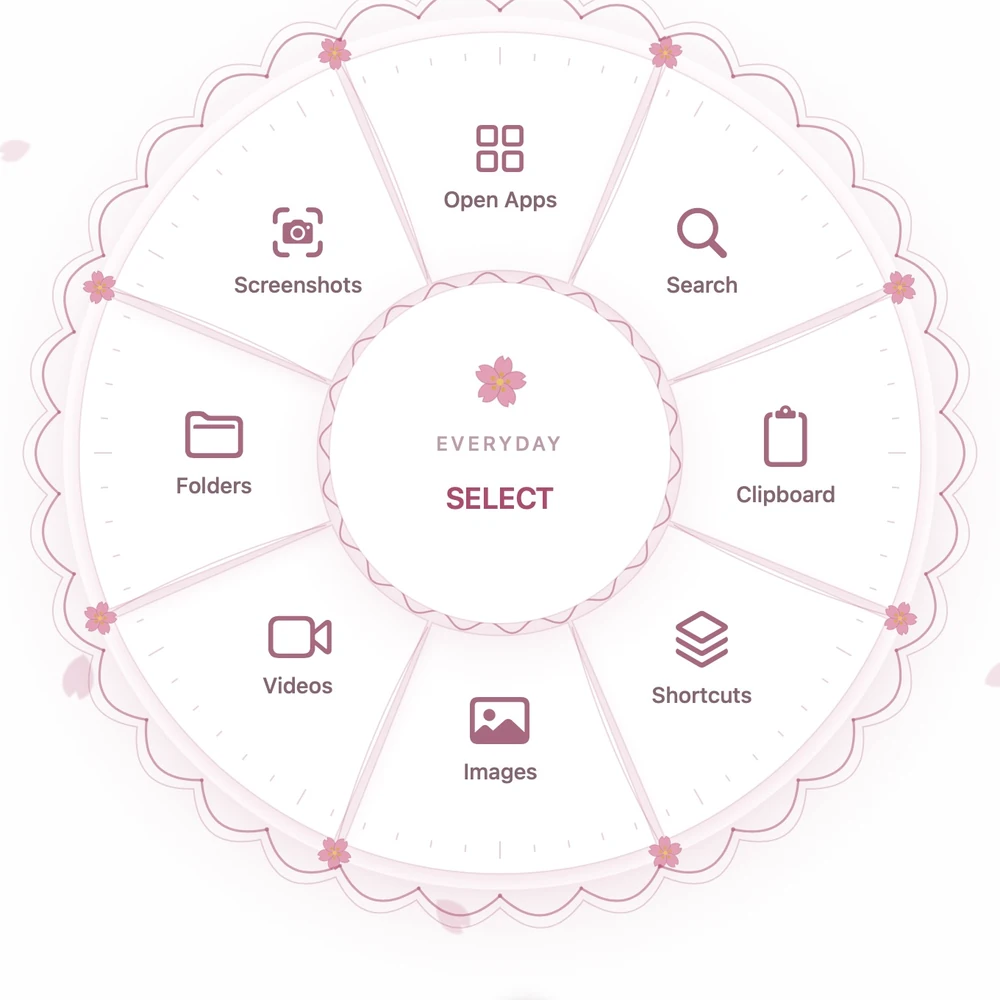
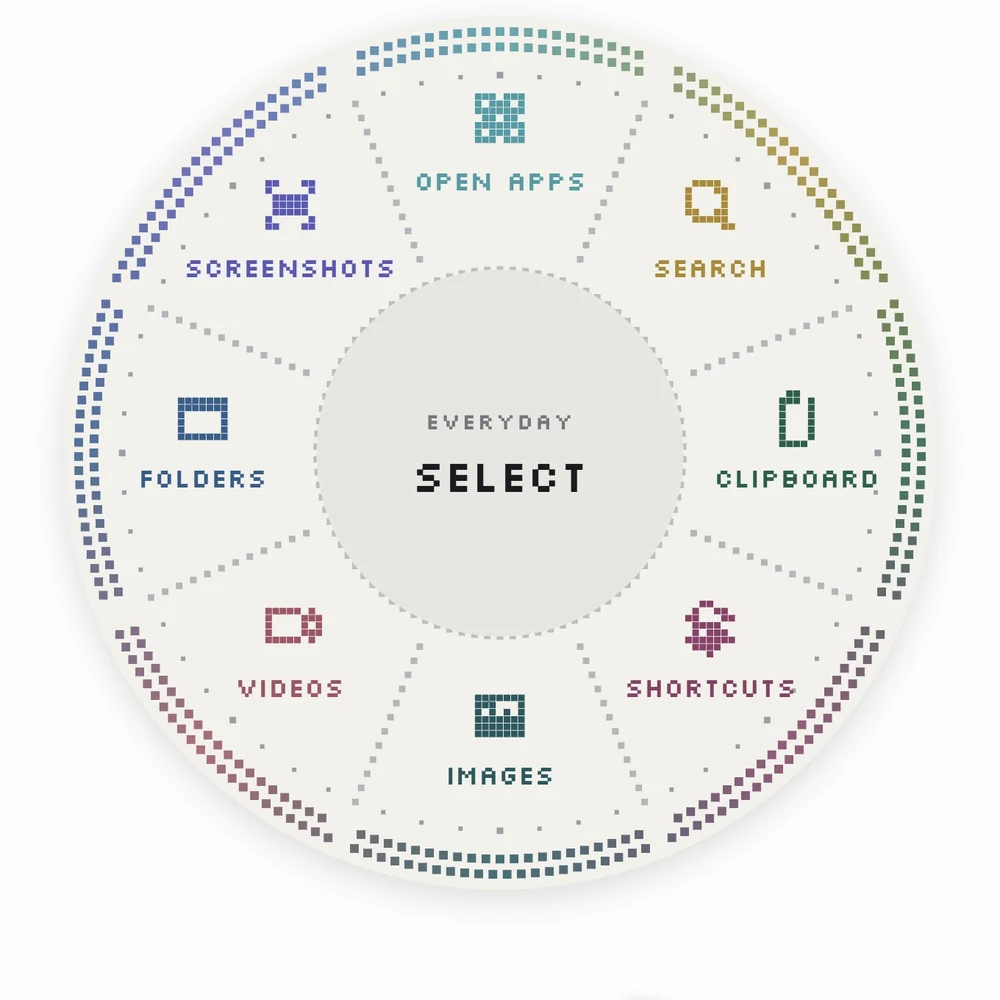
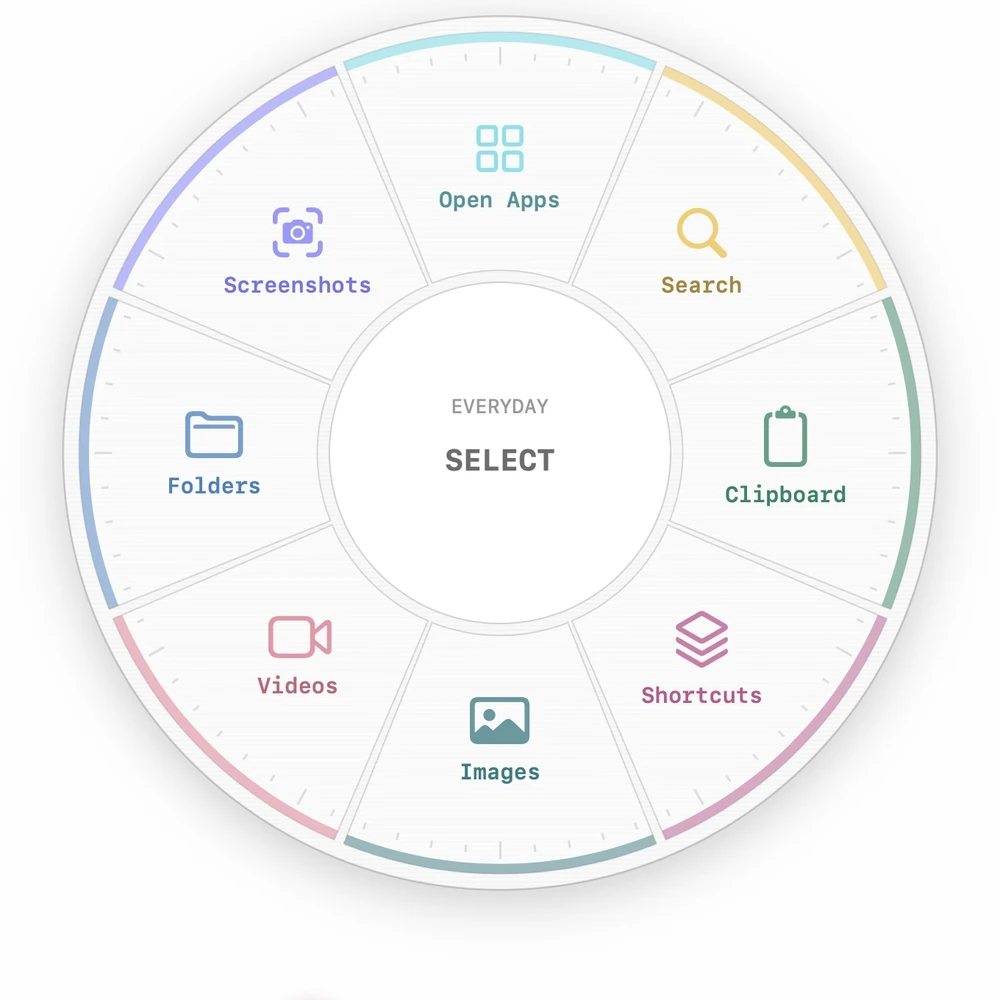
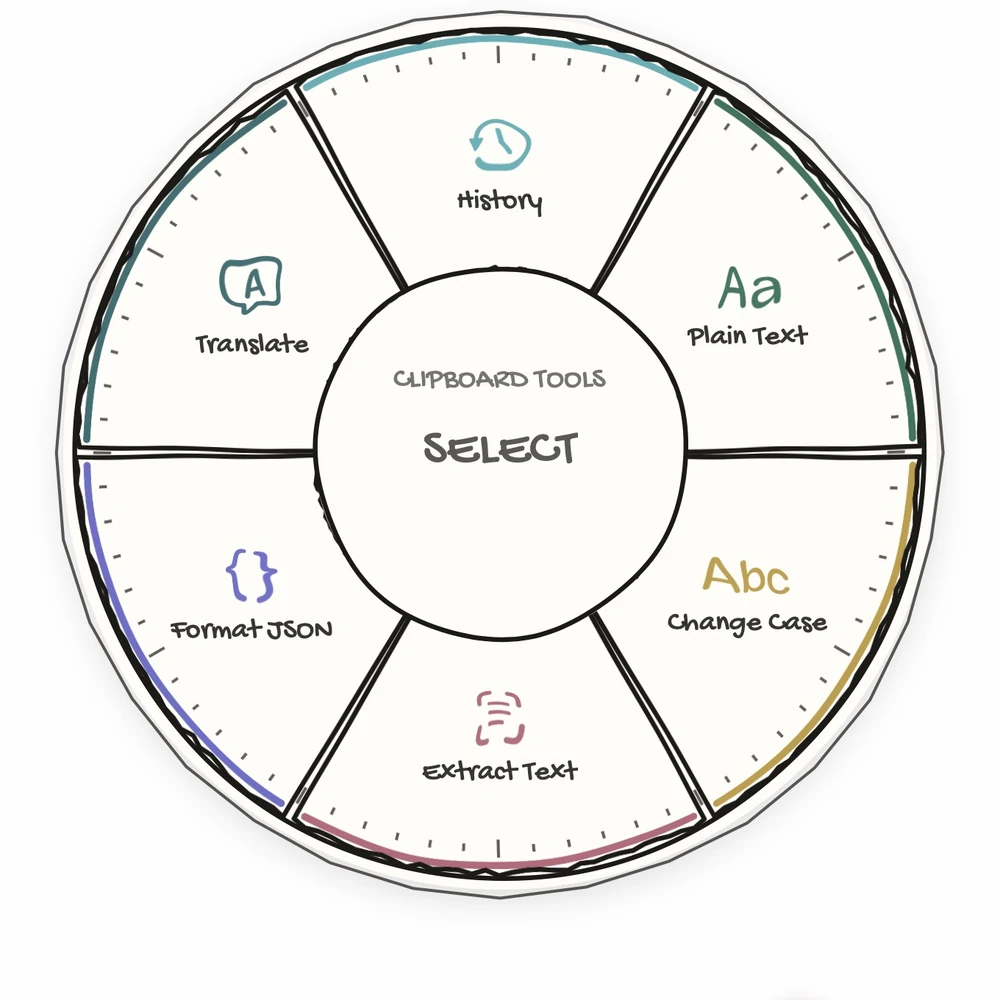
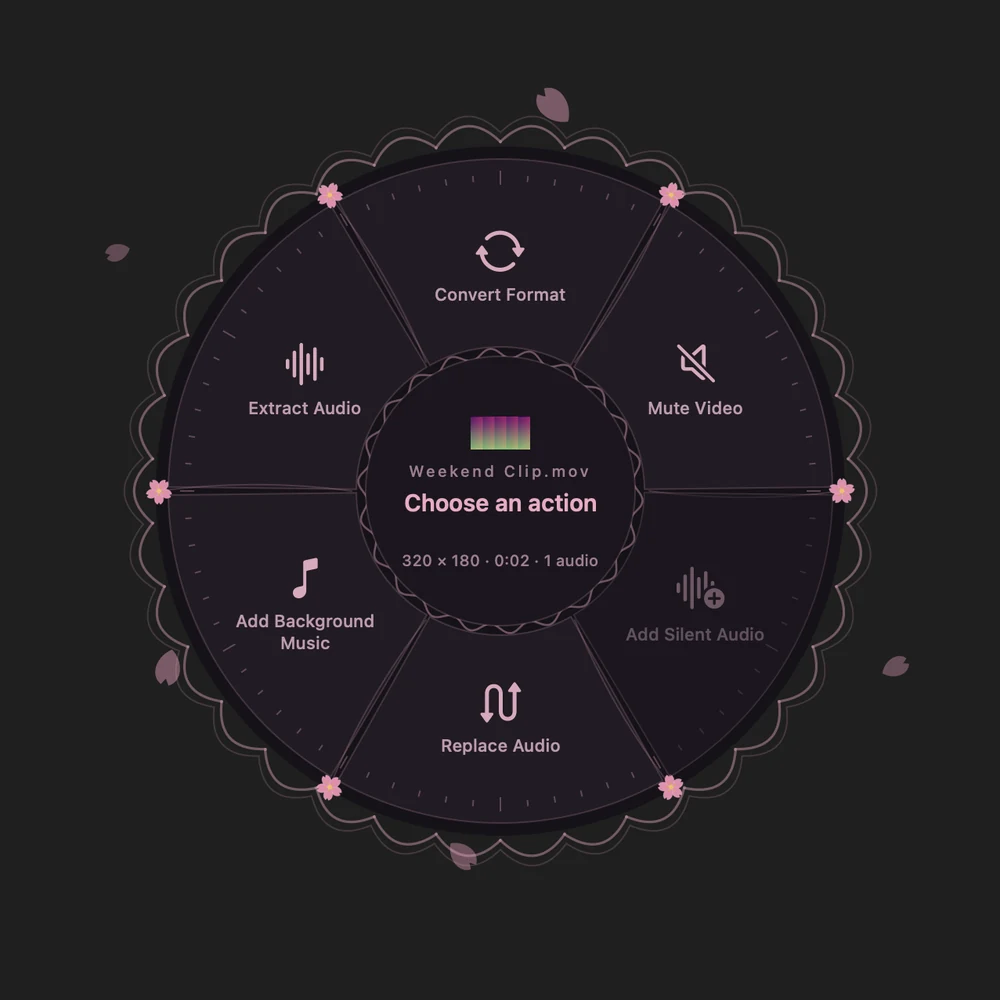
One familiar wheel, with a different feel. Choose a style for every menu.
Liquid Glass. Translucent and fluid.Game. A retro arcade HUD.Doodle. Hand-drawn on paper.Sakura. Soft cherry blossom.Pixie Dot. Retro dot-matrix pixels.
Your shortcuts. Your way.
Make a wheel for work. Another for everything else. Bring one up with a global shortcut, a hot corner, or a shake of your pointer.
Arrange shortcuts where they feel right. Group them together, combine actions, and switch menus without leaving the wheel.
Your everyday menu. In Game.
Copy it once. Find it again.
Keep recent copies close. Bring back something from your clipboard history, clean up formatting, or turn a screenshot into text.
Search, translate, format JSON, and work with the text you already have. All from the wheel.
Everyday clipboard tools, together.
Drop a file. Keep going.
Convert an image. Change a video’s format. Remove a soundtrack, add background music, or extract the audio.
Drop a file onto Image Converter or Video Utilities, then choose what’s next. Your original stays intact.
Video Utilities. Right on the wheel.
And there’s more where that came from.
A closer look at what you can put within reach.
Launch & Find
Open one app or several at once
Launch websites, folders, and Finder locations
Open a folder in Terminal or copy its path
Search the web, maps, music, and your favorite sites
Ask ChatGPT or Claude about copied text
Menus & Navigation
Make multiple wheels with their own shortcuts
Open from hot corners or a pointer shake
Trigger actions with number keys
Switch menus with Tab, arrows, or a swipe
Drag to rearrange, group shortcuts, and combine actions
Clipboard & Text
Revisit locally encrypted clipboard history
Remove formatting and transform text
Extract text from screenshots with OCR
Copy saved text, files, passwords, UUIDs, and timestamps
Calculate, format JSON, and encode or decode text
Images & Video
Convert images directly from the wheel
Convert videos to MP4, MOV, MKV, WebM, or GIF
Mute video or add a silent audio track
Replace audio or mix background music
Extract audio as MP3, AAC, or WAV
System & Screenshots
Adjust volume, mute, or start the screen saver
Copy or save a screen or front-window capture
Choose a destination folder for screenshots
Run your Apple Shortcuts from a wheel
Use supplied Apple Shortcuts for Dark Mode, Lock Mac, and Sleep Mac
Personalization & Sharing
Choose from five radial menu styles
Set a different style for every menu
Pick icons, colors, wheel size, and sounds
Share menus over AirDrop or Messages
Use Siri or Apple Shortcuts to run Arc actions and open menus
Your clipboard. On your Mac.
Your clipboard history is encrypted locally with a key that stays on your device. Choose how long to keep it, or clear it whenever you like. Clipboard history isn’t synced.
A Mac running macOS 26 Tahoe or later. Arc is available from the Mac App Store.
How do I open the wheel?
Give each wheel a global keyboard shortcut, assign a hot corner, or enable pointer shake. Switch menus from the menu bar or the open wheel, with Tab, arrow keys, or a sideways swipe.
Can I try it before I buy?
Try Arc free for seven days, with no card required. Then choose a one-time lifetime purchase or a weekly subscription, which renews automatically until cancelled. Current prices are shown in the app for your region.
What permissions does Arc need?
The current Mac App Store edition doesn’t require Accessibility permission. File tools ask for the files and folders they need. Screenshot features require Screen Recording access.