The things you use,
one menu away.
Your apps, files, and everyday tools.
Open them from a menu at your pointer.
Open the Projects folder in Finder.
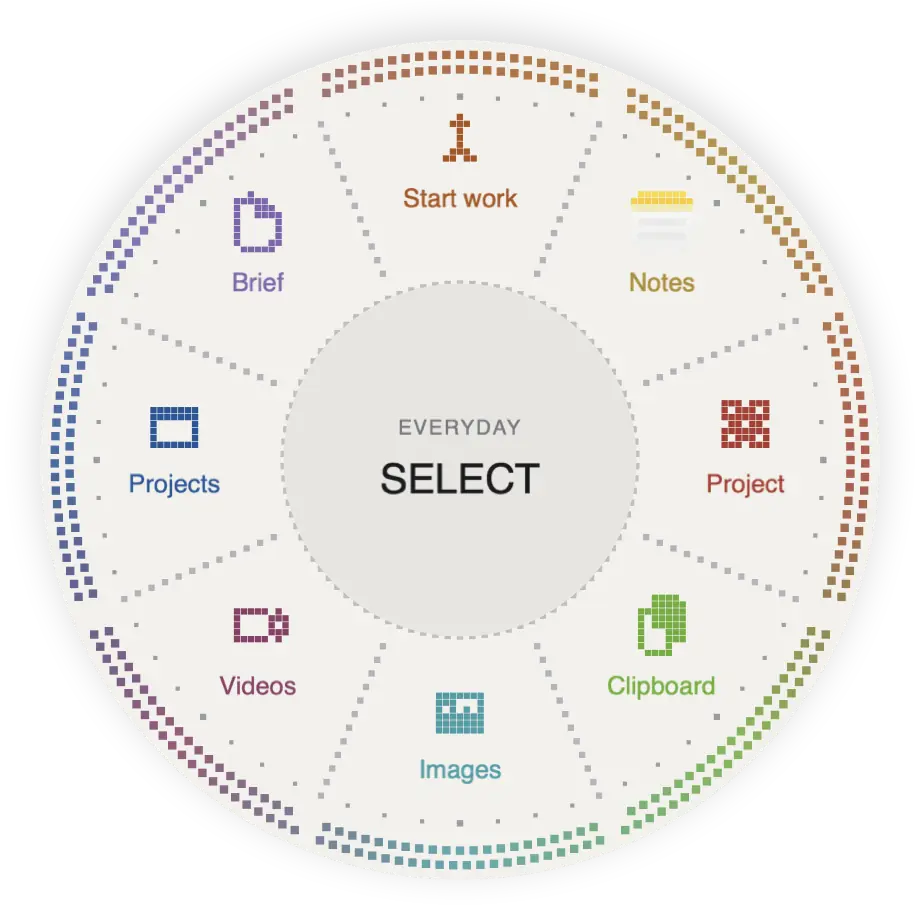
Get around your Mac faster.
Open apps, grab files, and find text you copied earlier from one menu.
Keep project tools together
Keep four related shortcuts in one slot. Choose the one you need.
Try in the preview New message
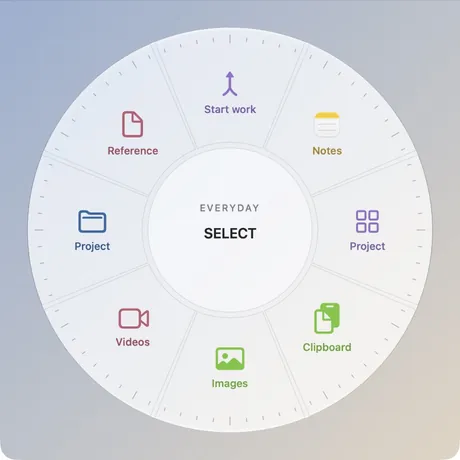
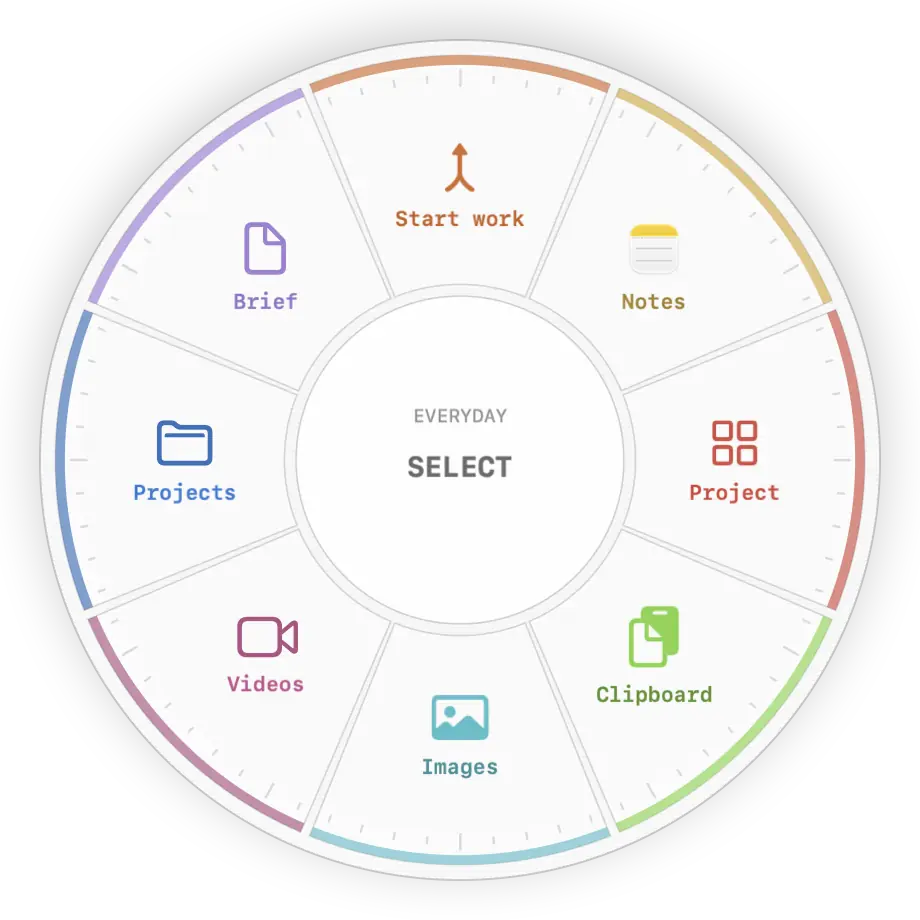
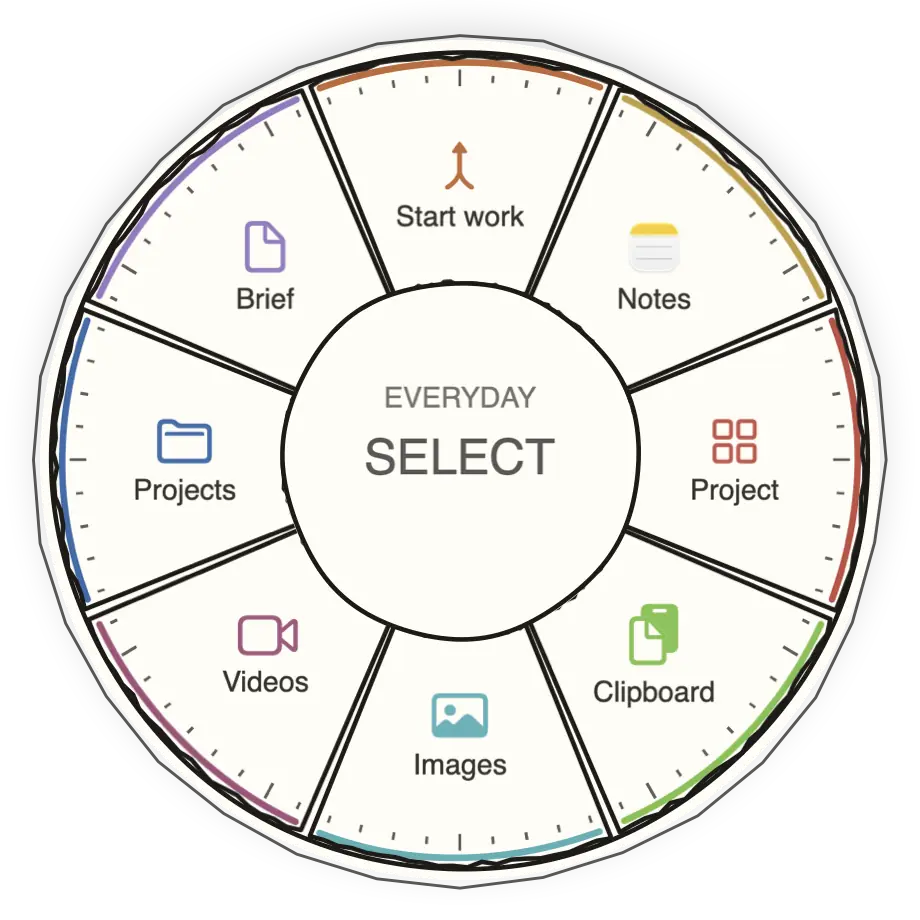
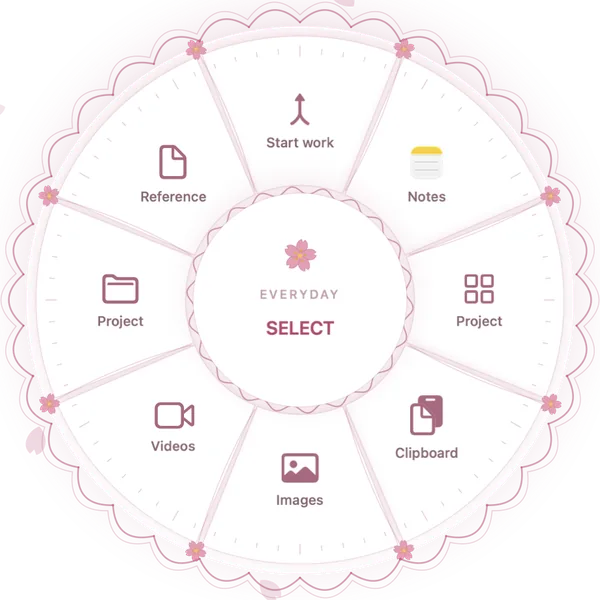
Choose how your menus look.
Pick from five styles, then choose your icons and colors.
Run three actions with one shortcut.
Start work combines a folder, an app, and a website. Click it once to open all three.
One click opens all three, in order.
- 1Projects folder
- 2
 Notes
Notes - 3
 Project website
Website redesign
Project brief · Design files · Meeting notes
Group up to four actions.
Keep them in one shortcut, then choose the action you want to run.
Open the Projects folder in Finder.

Frequently asked questions.
What do I need, and how does the trial work?
Arc Menu requires macOS 26 or later. Try it free for seven days, then choose lifetime access or an automatically renewing weekly subscription. Your regional price appears in the app.
How do I open and switch menus?
Assign keyboard shortcuts to your menus, use a hot corner, or enable pointer shake. Switch menus with Arc Menu’s menu switcher, Tab, arrow keys, or a sideways swipe. Each menu can have its own shortcuts, colors, and style: Liquid Glass, Game, Doodle, Sakura, or Pixie Dot. Menus are selected by you, not automatically by the active app.
What’s the difference between merging and grouping?
Select existing shortcuts in their intended order, review the selection, and name the merged shortcut. Merge up to eight supported actions into one shortcut that runs in order. A group holds up to four related choices; open it, then choose one. Interactive Image Converter and Video Utilities remain separate from merged actions.
What stays private, and what permissions are needed?
Your clipboard history is encrypted locally and isn’t synced. The App Store edition does not require Accessibility access. Screenshot actions require Screen Recording permission. Browser examples use fictional data and do not access your clipboard or files.